Just need a home phone? Visit Virtual VoiceVirtual Voice RESIDENTIAL
How it works

Live in four steps

No PBX hardware, no IT project, no engineer. From order to first call in days.

Step 1

Build your package

Choose your team size and call bundle with the live builder. Add hardware and porting if you need them.

Step 2

We provision everything

Our team sets up your extensions (from 200), direct-dial numbers, IVR menus, hunt groups and business hours to your spec.

Step 3

Your team installs the app

Each user signs in on iOS, Android, PC or Mac. Their extension and number are ready the moment they open it.

Step 4

Manage from the portal

Add users, view invoices, request changes and track everything from one shared admin portal.

Numbering

How extensions work

Extensions start at 200 and run sequentially — 200, 201, 202 and so on — so dialling a colleague is as simple as three digits. Each extension is paired with its own direct-dial (DDI) number, so customers can reach a person straight away while the team still has quick internal dialling.

200201202203
Always from 200
We reserve 200 upward for your users so numbering stays predictable as you grow. You choose who gets which extension in the portal.
Your team, anywhere

Apps for all four platforms

iOS
iPhone & iPad
Android
Phone & tablet
Windows PC
Windows 10 / 11
Mac
macOS desktop
Your office, connected

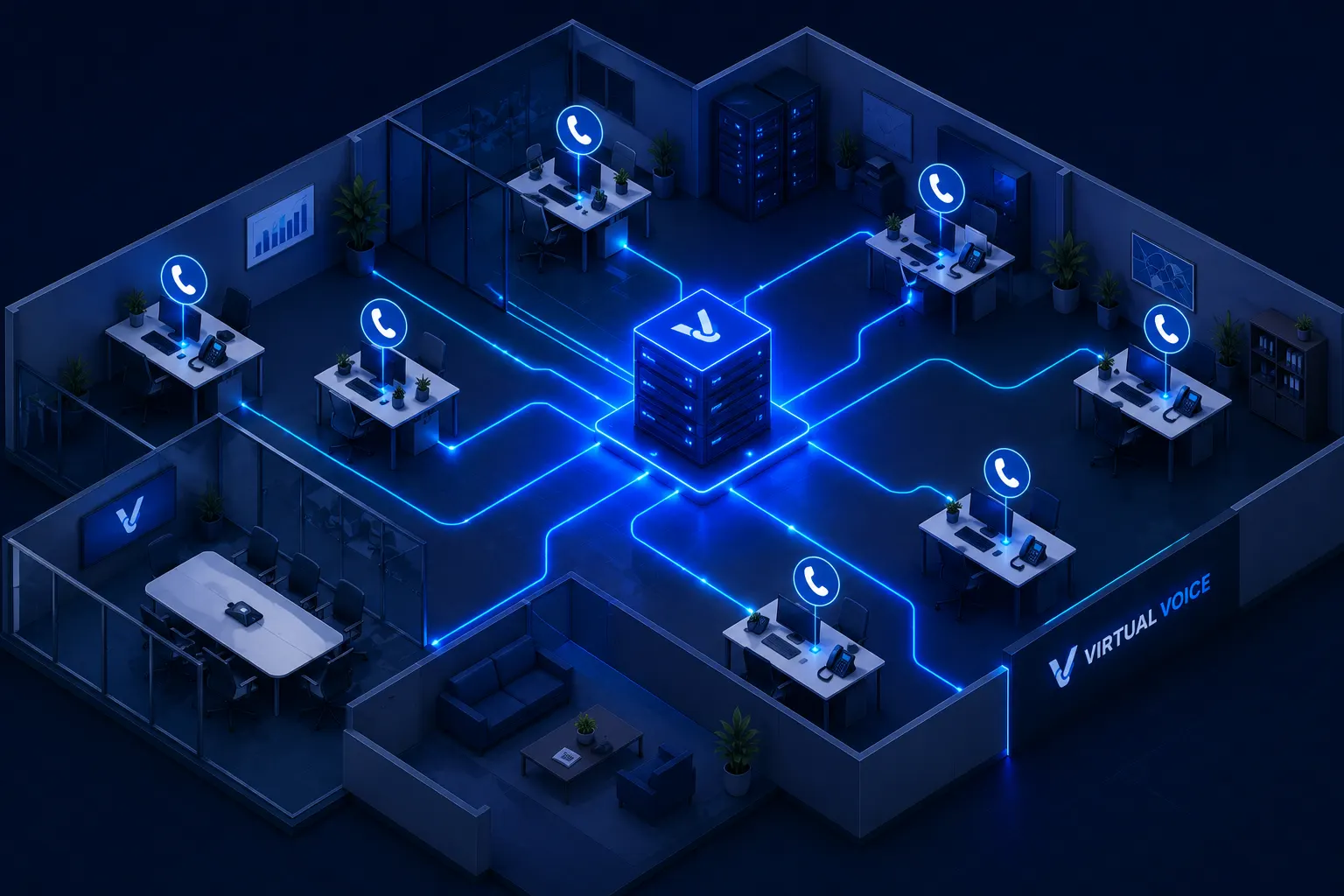
Every desk, one system

Whether your team is in one office or spread across the country, every user gets the same experience — their extension, their DDI, and the apps that go everywhere they do.

No PBX hardware on site. No IT project. We provision everything remotely and your team is live within days of signing up.

Build your package
Virtual Voice Office — every desk connected through a single cloud system
Ready?

Build your package in minutes

Start building